Favourite Tools
Favourite Tools
Windows Sanity & Navigation 3 shortcuts
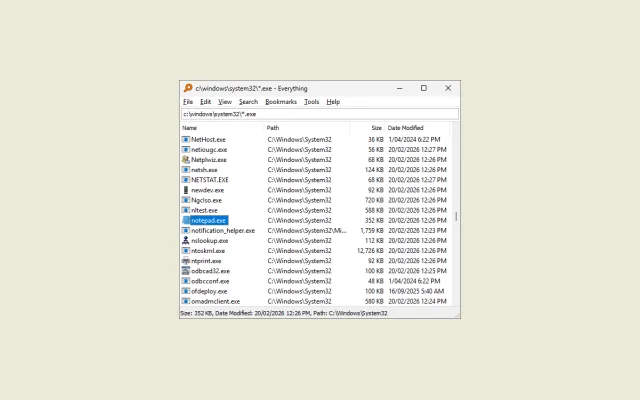 Everything What is it: Instant file indexer. Why is it good: The default Windows search has been broken for years. This indexes every file on your machine instantly and finds what you want the second you type the name. Opens in a new tab.
 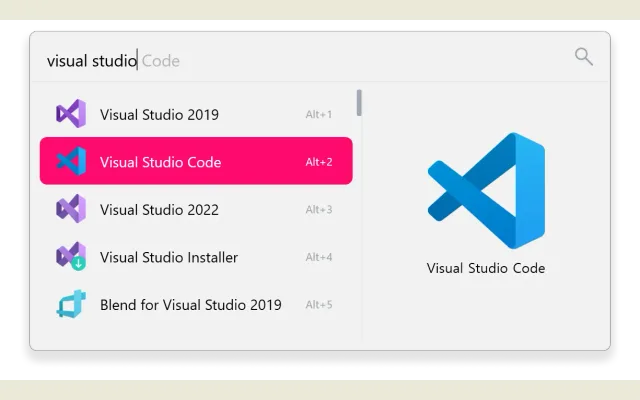 Flow Launcher What is it: Quick-launcher mapped to Alt + Space. Why is it good: Mapped to Alt + Space. Hooks into Everything to find files, but also handles quick terminal commands, maths, and app launching so you rarely touch the Start menu. Opens in a new tab.
 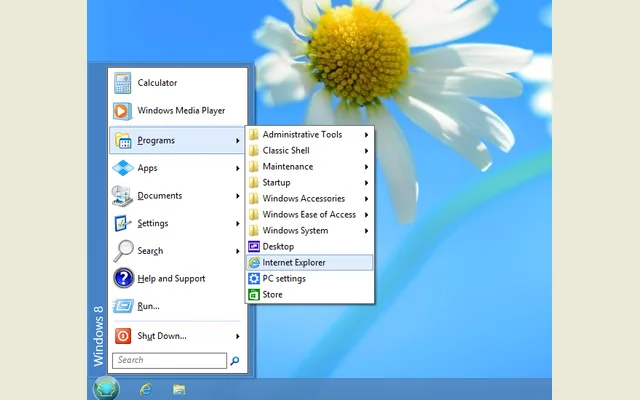 Open-Shell (Classic Start) What is it: Start menu replacement. Why is it good: Replaces the modern Windows Start menu with a plain Windows 7 style column. No web search suggestions, news feeds, or sponsored apps, just an alphabetical list of what is actually installed. Opens in a new tab.
 Drive & Hardware Diagnostics 4 shortcuts
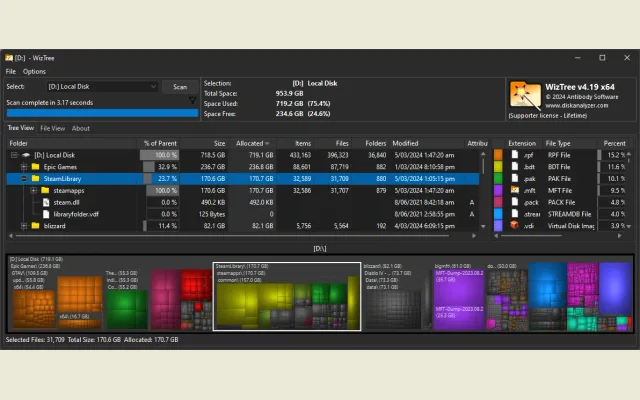 WizTree What is it: High-speed disk space visualiser. Why is it good: Scans an entire drive in about two seconds and gives you a visual map of what is eating storage. Much faster than WinDirStat. Opens in a new tab.
 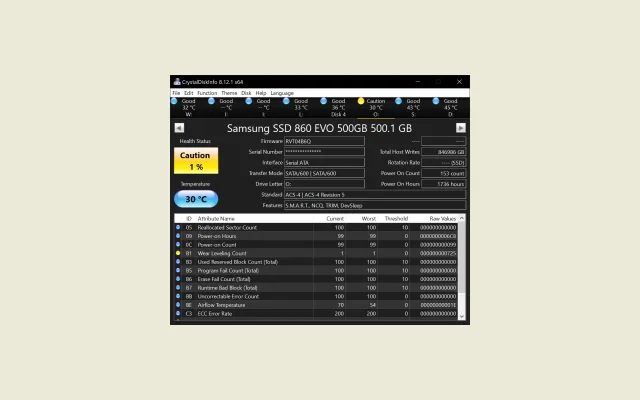 CrystalDiskInfo What is it: Drive health and SMART monitor. Why is it good: Shows the SMART health status and temperature of your SSDs and hard drives. Good for catching bad sectors before a drive dies completely. Opens in a new tab.
 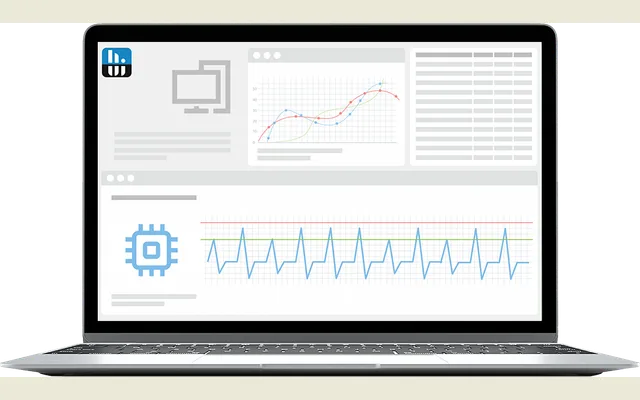 HWiNFO What is it: Real-time component telemetry. Why is it good: Reads every sensor on the motherboard and GPU. Useful when you need to know exact fan speeds, voltages, or whether a component is thermal throttling under load. Opens in a new tab.
 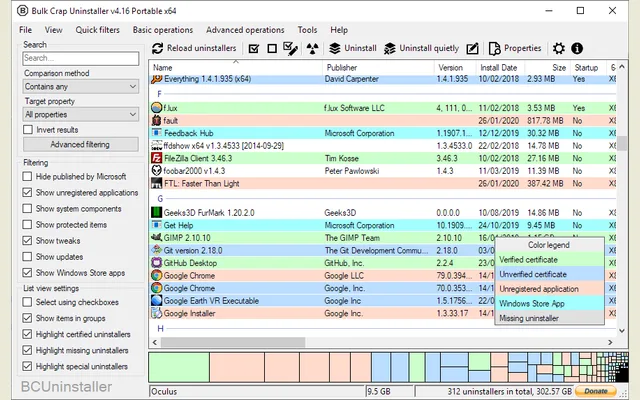 Bulk Crap Uninstaller What is it: Batch software removal. Why is it good: Standard Windows uninstallers leave registry keys and orphan folders everywhere. This lets you select a dozen programs, click uninstall once, and cleans up the leftovers automatically. Opens in a new tab.
 Quick Notes & Working Memory 2 shortcuts
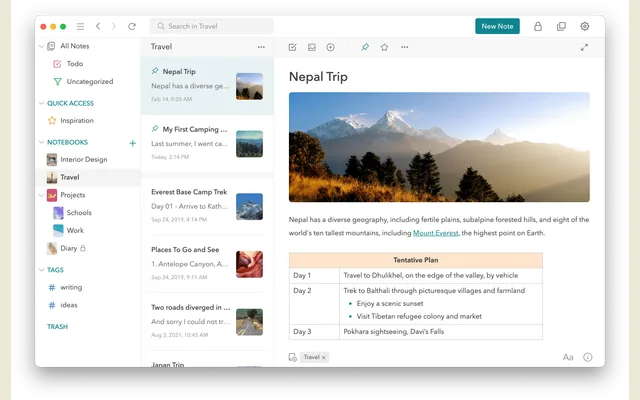 UpNote What is it: Clean, distraction-free markdown notes. Why is it good: Does clean markdown, syncs across devices, and works offline. It stays out of the way, unlike Notion or Obsidian which usually end up feeling like another job to manage. Opens in a new tab.
 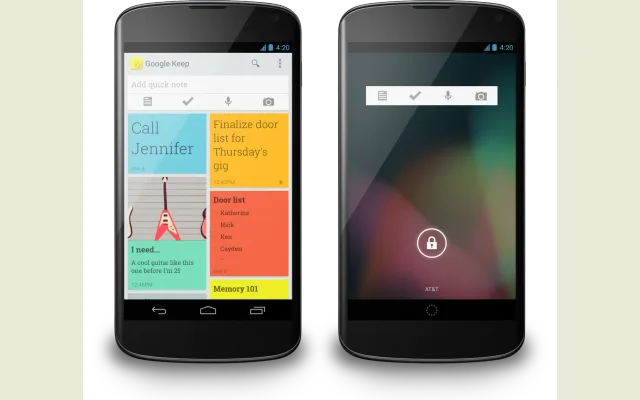 Google Keep What is it: Temporary clipboard and scratchpad. Why is it good: For temporary scratchpad stuff. Good for shopping lists, quick measurements, or phone numbers you just need to copy to another screen quickly. Opens in a new tab.
 Audio & Video Production 7 shortcuts
 OBS Studio What is it: Screen and video recording. Why is it good: Reliable for local screen recording and webcam capture once you get your audio tracks and canvas resolution sorted. Opens in a new tab.
 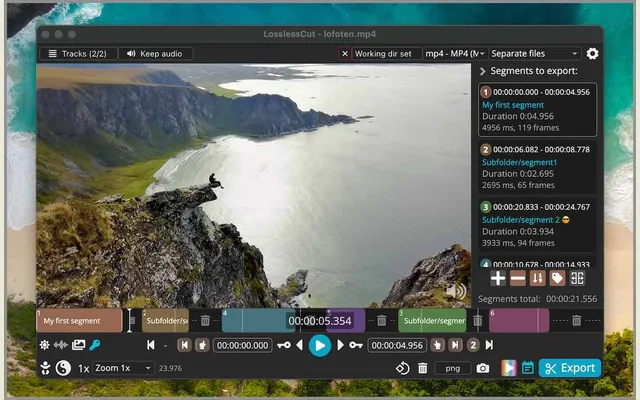 LosslessCut What is it: Direct stream video trimmer. Why is it good: Trims the start and end off raw video captures without re-encoding. A 20 GB file exports in five seconds flat because the video stream is never converted. Opens in a new tab.
 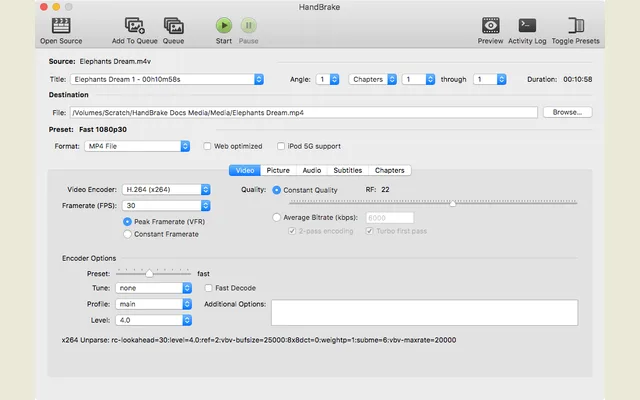 HandBrake What is it: Batch video transcode and compression. Why is it good: Takes massive recordings from OBS and squashes them into reasonably sized MP4s for sharing. Just pick a preset, drop files into the queue, and walk away. Opens in a new tab.
 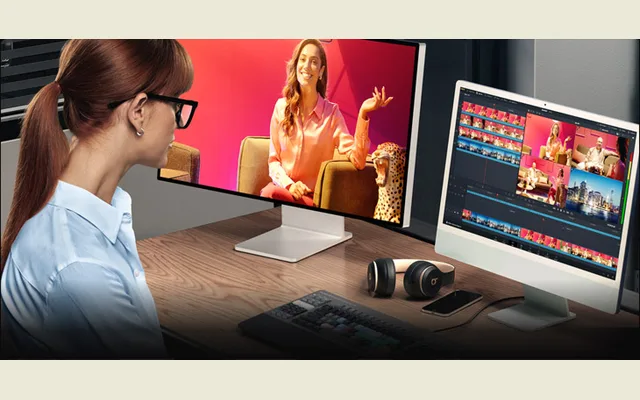 DaVinci Resolve What is it: Non-linear video editing suite. Why is it good: The free version is ridiculous for what it offers. You get proper timeline editing, nodes for colour, and Fairlight audio without needing Adobe's subscription model. Opens in a new tab.
 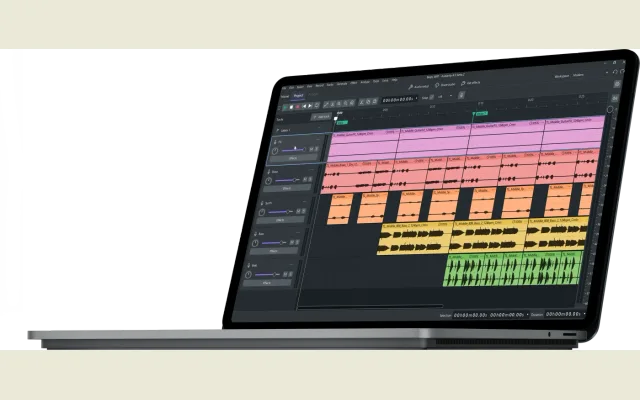 Audacity What is it: Waveform audio editor. Why is it good: The UI has barely changed in twenty years, but if you just need to cut dead air out of a voice memo, normalize volume, or trim a track, it takes ten seconds. Opens in a new tab.
 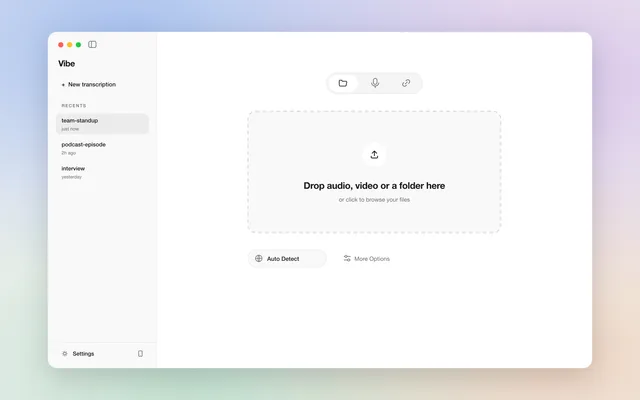 Vibe What is it: Local speech-to-text transcriber. Why is it good: Runs Whisper models locally to transcribe audio files. Great because nothing gets uploaded to an external server, though it occasionally trips over its own feet. Keep the source audio and skim the text for errors. Opens in a new tab.
 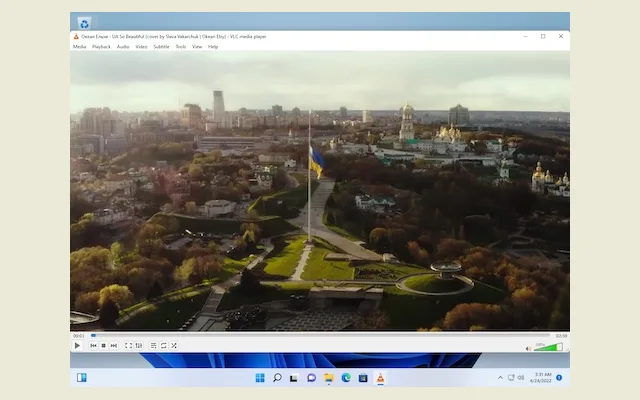 VLC media player What is it: Universal media player. Why is it good: A timeless piece of software. It has faithfully opened every bizarre, ancient, or corrupted video file I have ever thrown at it without once complaining. It really does just work. Opens in a new tab.
 Image & 3D Utilities 3 shortcuts
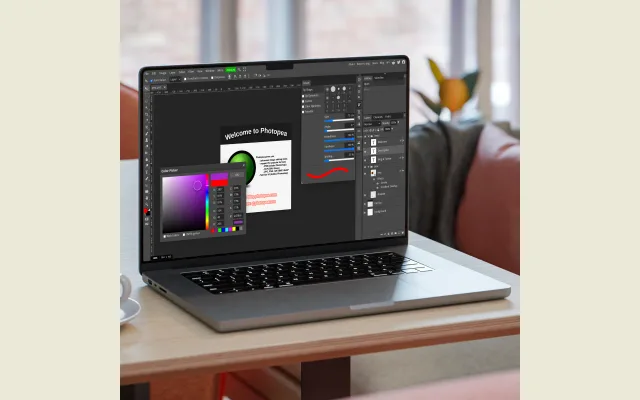 Photopea What is it: Browser-based raster graphics editor. Why is it good: Photoshop in a browser. Handy on machines where you cannot install software or when you just need to tweak a layered PSD file on the fly. Opens in a new tab.
 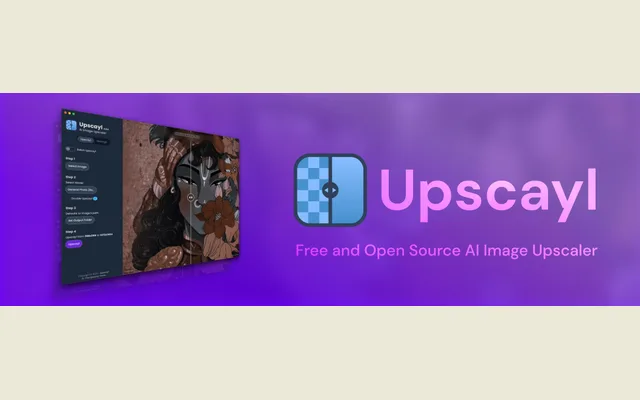 Upscayl What is it: Local AI resolution enhancer. Why is it good: Uses local AI models to upscale low-res images. Works well for reviving tiny scans or old web graphics without paying for web-based tools. Opens in a new tab.
 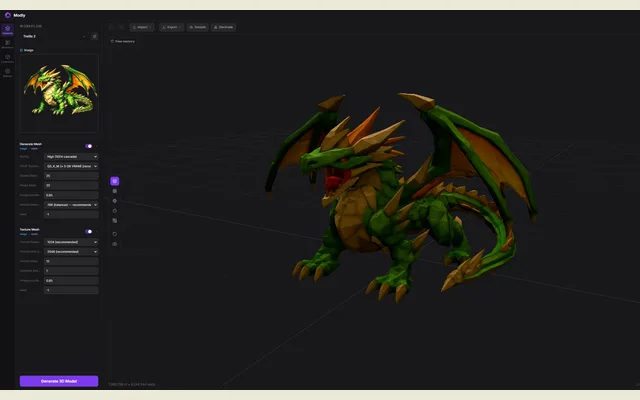 Modly What is it: Local photogrammetry tool. Why is it good: Turns photos into textured 3D meshes on your own GPU. You get an actual OBJ or GLB out the other side that you can drag straight into Blender. Opens in a new tab.
 File Management & Game Modding 2 shortcuts
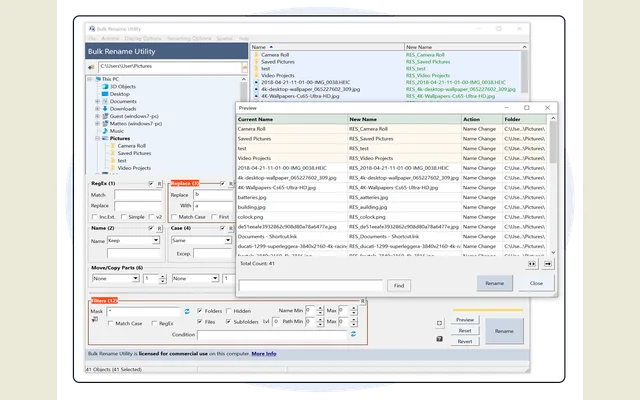 Bulk Rename Utility What is it: Batch filename transformer. Why is it good: The interface looks like an air traffic control desk, but nothing beats it for stripping suffixes, adding timestamps, or numbering hundreds of files in bulk. Opens in a new tab.
 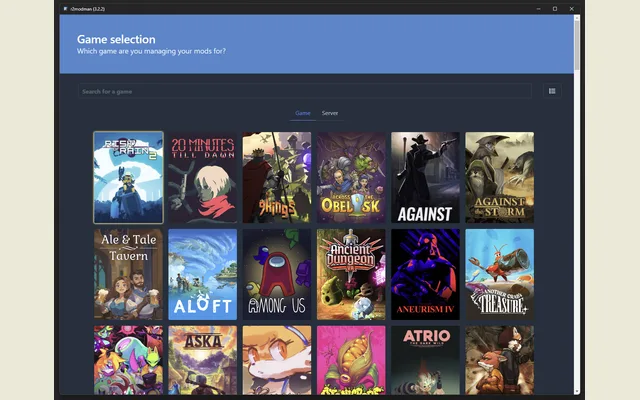 r2modman What is it: Sandboxed mod manager. Why is it good: Mod manager that keeps game files untouched in their install directories. Creates isolated profiles so you can switch between mod setups without breaking the vanilla game. Opens in a new tab.
 Everything Windows Sanity & Navigation Opens in a new tab. Flow Launcher Windows Sanity & Navigation Opens in a new tab. Open-Shell (Classic Start) Windows Sanity & Navigation Opens in a new tab. WizTree Drive & Hardware Diagnostics Opens in a new tab. CrystalDiskInfo Drive & Hardware Diagnostics Opens in a new tab. HWiNFO Drive & Hardware Diagnostics Opens in a new tab. Bulk Crap Uninstaller Drive & Hardware Diagnostics Opens in a new tab. UpNote Quick Notes & Working Memory Opens in a new tab. Google Keep Quick Notes & Working Memory Opens in a new tab. OBS Studio Audio & Video Production Opens in a new tab. LosslessCut Audio & Video Production Opens in a new tab. HandBrake Audio & Video Production Opens in a new tab. DaVinci Resolve Audio & Video Production Opens in a new tab. Audacity Audio & Video Production Opens in a new tab. Vibe Audio & Video Production Opens in a new tab. VLC media player Audio & Video Production Opens in a new tab. Photopea Image & 3D Utilities Opens in a new tab. Upscayl Image & 3D Utilities Opens in a new tab. Modly Image & 3D Utilities Opens in a new tab. Bulk Rename Utility File Management & Game Modding Opens in a new tab. r2modman File Management & Game Modding Opens in a new tab.
| Name | Category | Runs on | What is it |
|---|---|---|---|
| Everything (opens in a new tab) | Windows Sanity & Navigation | Windows | Instant file indexer. |
| Flow Launcher (opens in a new tab) | Windows Sanity & Navigation | Windows | Quick-launcher mapped to Alt + Space. |
| Open-Shell (Classic Start) (opens in a new tab) | Windows Sanity & Navigation | Windows | Start menu replacement. |
| WizTree (opens in a new tab) | Drive & Hardware Diagnostics | Windows | High-speed disk space visualiser. |
| CrystalDiskInfo (opens in a new tab) | Drive & Hardware Diagnostics | Windows | Drive health and SMART monitor. |
| HWiNFO (opens in a new tab) | Drive & Hardware Diagnostics | Windows | Real-time component telemetry. |
| Bulk Crap Uninstaller (opens in a new tab) | Drive & Hardware Diagnostics | Windows | Batch software removal. |
| UpNote (opens in a new tab) | Quick Notes & Working Memory | Windows, macOS, Linux, iOS, Android | Clean, distraction-free markdown notes. |
| Google Keep (opens in a new tab) | Quick Notes & Working Memory | Web, Android, iOS | Temporary clipboard and scratchpad. |
| OBS Studio (opens in a new tab) | Audio & Video Production | Windows, macOS, Linux | Screen and video recording. |
| LosslessCut (opens in a new tab) | Audio & Video Production | Windows, macOS, Linux | Direct stream video trimmer. |
| HandBrake (opens in a new tab) | Audio & Video Production | Windows, macOS, Linux | Batch video transcode and compression. |
| DaVinci Resolve (opens in a new tab) | Audio & Video Production | Windows, macOS, Linux | Non-linear video editing suite. |
| Audacity (opens in a new tab) | Audio & Video Production | Windows, macOS, Linux | Waveform audio editor. |
| Vibe (opens in a new tab) | Audio & Video Production | Windows, macOS, Linux | Local speech-to-text transcriber. |
| VLC media player (opens in a new tab) | Audio & Video Production | Windows, macOS, Linux, iOS, Android | Universal media player. |
| Photopea (opens in a new tab) | Image & 3D Utilities | Web | Browser-based raster graphics editor. |
| Upscayl (opens in a new tab) | Image & 3D Utilities | Windows, macOS, Linux | Local AI resolution enhancer. |
| Modly (opens in a new tab) | Image & 3D Utilities | Windows, Linux, macOS | Local photogrammetry tool. |
| Bulk Rename Utility (opens in a new tab) | File Management & Game Modding | Windows | Batch filename transformer. |
| r2modman (opens in a new tab) | File Management & Game Modding | Windows, Linux | Sandboxed mod manager. |
 Harry Chapman